Pipe


 Pipe
Pipe
This tool allow us to generate tubular extrusions based on curves. We can define segments and radius to get the desired aspect.
Toolbar |
SubD › Creation › Pipe |
Menu |
Clayoo › Creation › Pipe |
Command |
_ClayPipe |
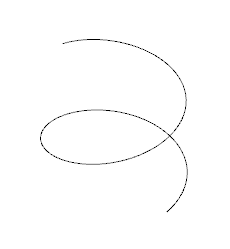
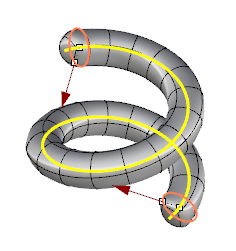
Current curve |
Setting radius and segments |
We can use multiple curves to create pipes.
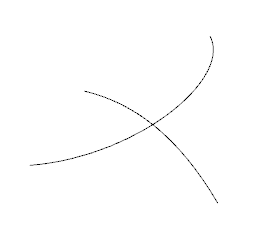
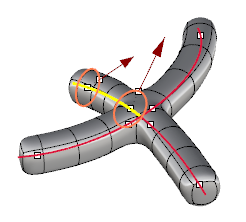
Current curve |
Setting radius and segments |
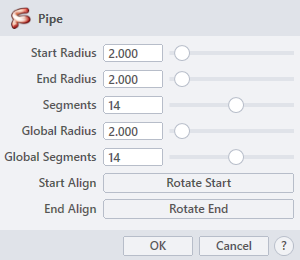
Those parameters are used with one-curve pipes:
› Start Radius
Sets the radius on the start point of the curve.
› End Radius
Sets the radius on the end point of the curve.
› Segments
Sets the number of divisions along the curve.
Those parameters are used for pipes with multiple curves:
› Global Radius
Sets the general radius for all curves.
› Global Segments
Sets the same number of division along all curves.
Those parameters are used to align joins between two or more curves:
› Start Align
Rotates the start of the curve 90º when clicking on the  button.
› End Align
Rotates the end of the curve 90º when clicking on the  button.
1. Click  button to validate the command and apply the new geometry on the scene.
2. Click  button to cancel the command, and refuse to apply geometry on the scene.
3. Click  button to open the help information of the command, in case you need more detailed information about the tool being used.