Heightfield


Operation: Heightfield
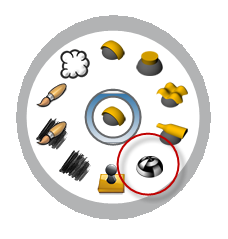
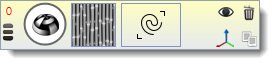
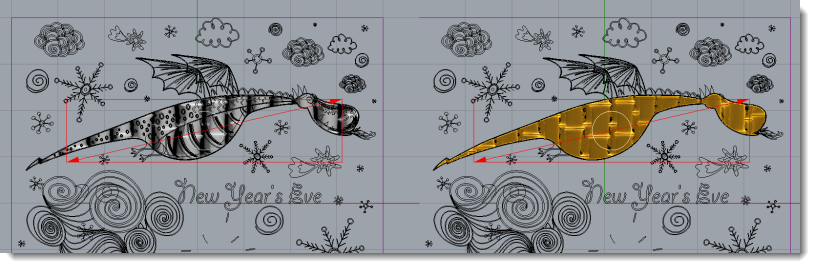
This operation creates a relief from a texture image.
1. Pick the texture clicking on Texture icon
2. Select a curve or more to define the texture area.
3. Adjust the area using the gumballs.
Parameters
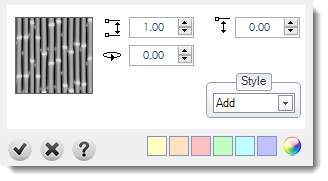
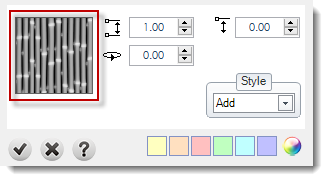
Change texture: You can change the texture from the Texture Library.
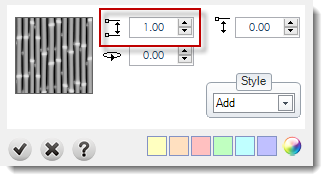
Set the height: You can define this values using the numeric.
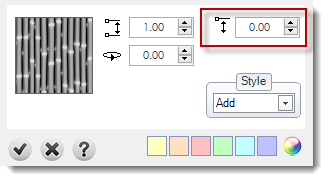
Starting Height: This value sets where (in Z-Axis) current profile will start (you can adjust this parameter graphically by dragging the height gumball with Shift key pressed).
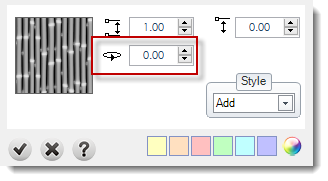
Rotation: This parameter allows to rotate the texture.
Style: More details in styles page.
Gumballs: You can adapt the texture using the gumball.
You can add your own textures importing them in Resources or creating them with the command Texture Creator.