Gumballs


Operation: Gumballs
Some operations has graphically aids such as Operation by Profile, Extrude, or Heightfield, anyway you are able to set it numerically through operation options.
To change the offset or profile's width, just click over red arrow and drag it, you'll see how the profile curve is extended.
To change the height, just click over the blue arrow and drag the mouse, you'll see the profile curve is growing up.
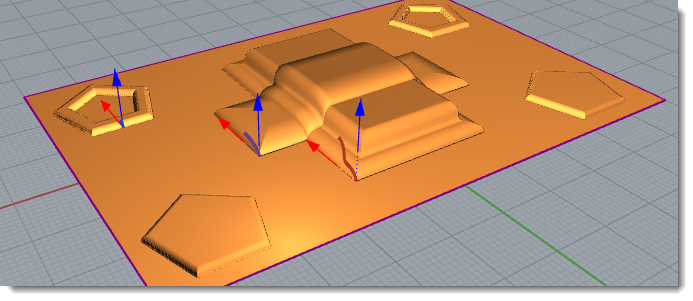
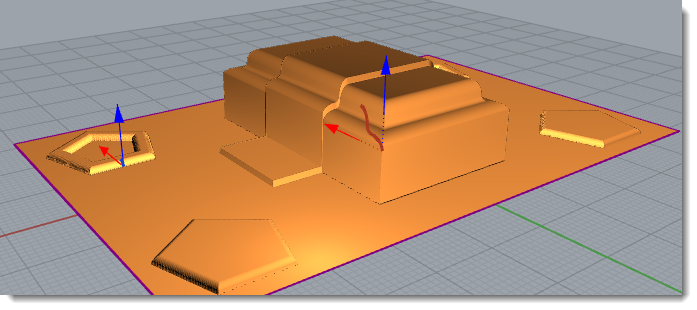
If you want that some operation starts higher but you don't want to deform the profile, just change the z-start, you can do it graphically by clicking Shift+Drag Height gumball.
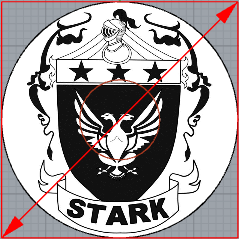
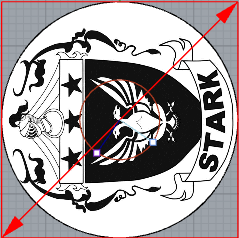
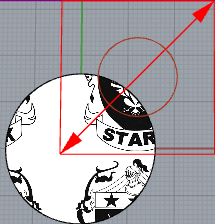
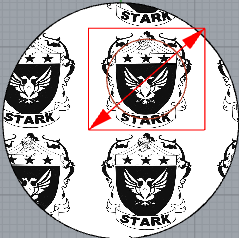
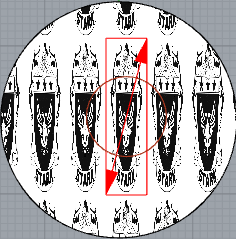
In Texture Operation there is a different Kind of gumball which you can set the size, location, proportions, rotation, repeat-x or repeat-y
Result of Centered image |
Centered image |
Rotated image |
|
|
|
Displaced image |
Scaled image and repeated Image |
Non Proportional scaled and repeated image |
|
|
|
By default Textures uses the curve of it's operation to adjust the location press Shift key while move any arrow, to scale it just move one of the arrows, to rotate the gumball click over the red circle and move the mouse.