Inset


 Inset
Inset
This tool allow us to generate the same set of faces selected introduced inside the selection.
Toolbar |
SubD › Edition › Inset |
Menu |
Clayoo › Edition › Inset |
Command |
_ClayInset |
Inset of the same geometry depending on the inset mode:
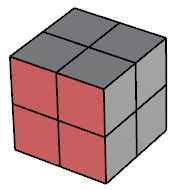
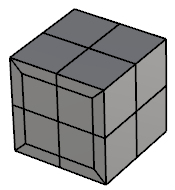
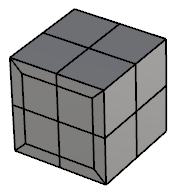
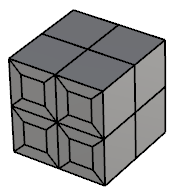
Current selection |
By Edge |
By Bisector |
Individual |
In many cases, "By Edge" and "By Bisector" will have similar results, due to the edge and the bisector are so similar. Here is an example where the geometry changes:
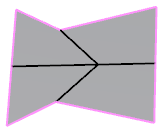
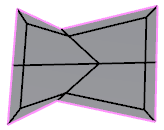
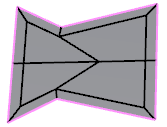
Current geometry |
By Edge |
By Bisector |
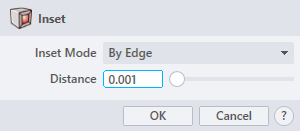
› Inset Mode
Sets the property of the inset style. The drop-down list allow to choose between:
› Distance
Sets the perpendicular dimensions between the selection and the inset geometry.
1. Click  button to validate the command and apply the new geometry on the scene.
2. Click  button to cancel the command, and refuse to apply geometry on the scene.
3. Click  button to open the help information of the command, in case you need more detailed information about the tool being used.