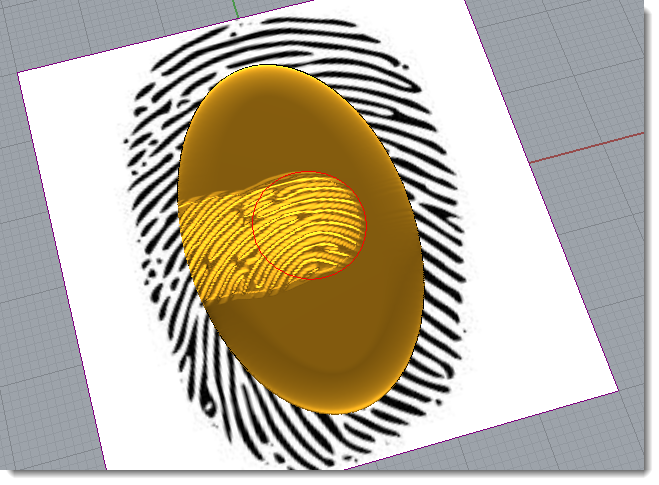
Carbon Copy by Brush


Operation: Carbon Copy by Brush
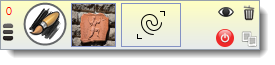
This operation allows to use an image to create a relief, but the main difference with Carbon Copy is we can sculpt on the image.
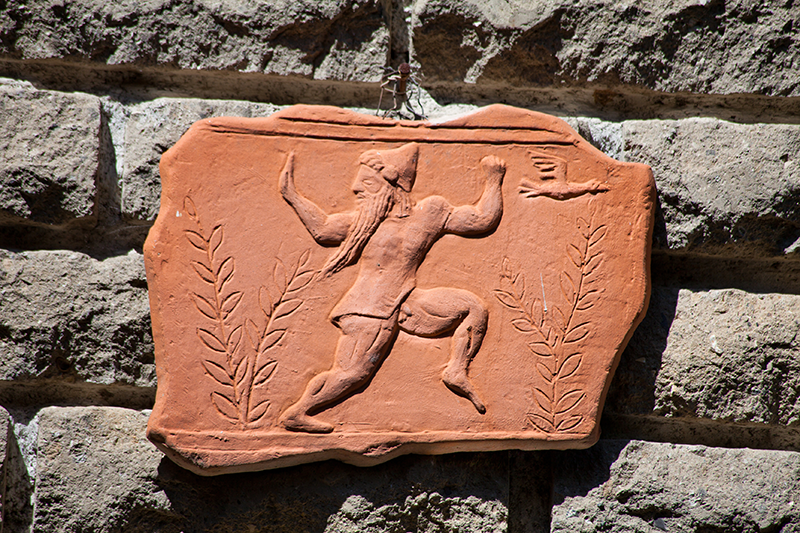
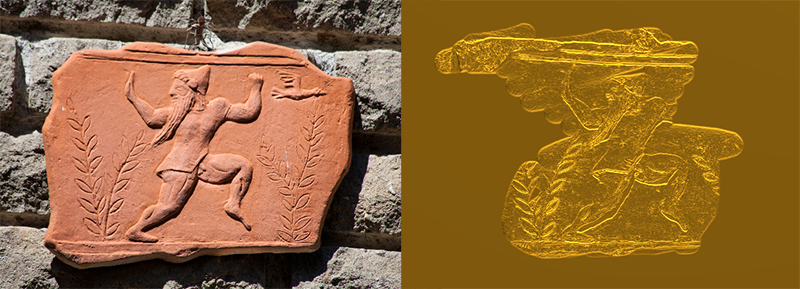
1. Select an image. You can select any image in your computer in jpeg, bmp and png format. We will use the following image:
2. After select the image, automatically the sculpt mode is on (green button); we can start sculpting on the image. You can stop the sculpt mode with right button or clicking on the green button.
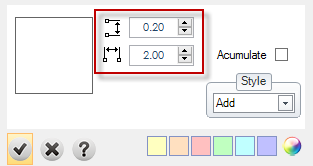
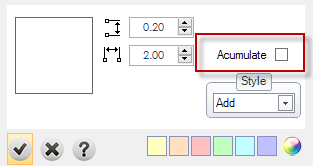
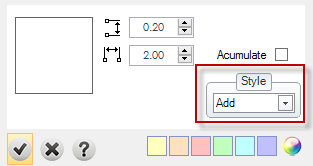
Style: More details in styles page.

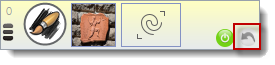
Change the picture: You can change the image at any time.
Here a very good sample to understand this operation