Brush


Operation: Brush
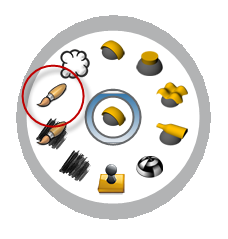
This operation allows to sculpt on the relief. This operation is great to add details manually on your project.
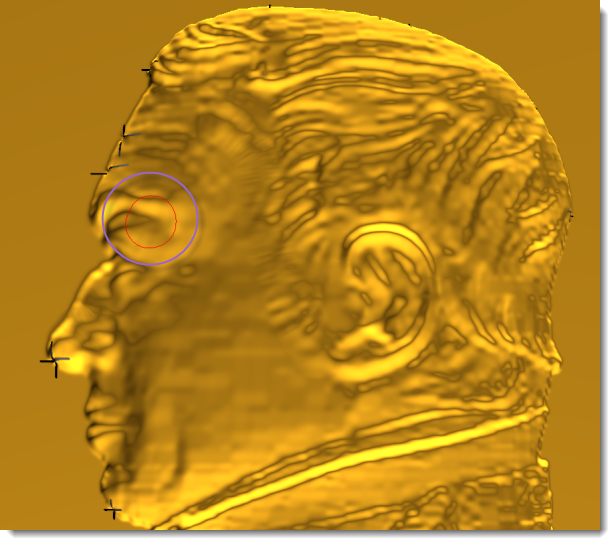
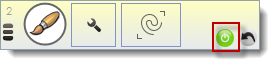
1. After select the operation, automatically the sculpt mode is on (green button); we can start sculpting on the image. You can stop the sculpt mode with right button or clicking on the green button.
Parameters
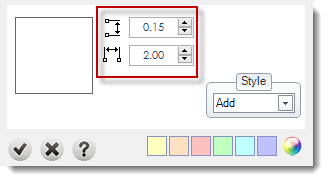
Set the brush depth and width: You can define the brush depth and width using the numerics.
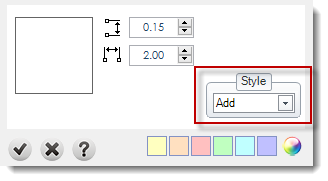
Style: More details in styles page.

Undo: The operation allows to undo a brush.