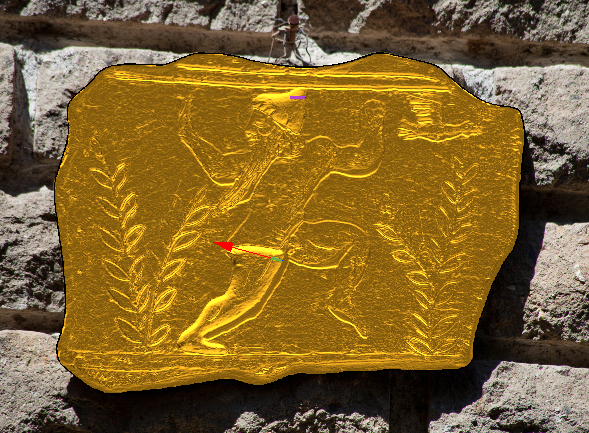
Carbon Copy


Operation: Carbon Copy
This operation allows to use an image to create a relief. It creates the relief, but it keeps the image to be use in other operations.
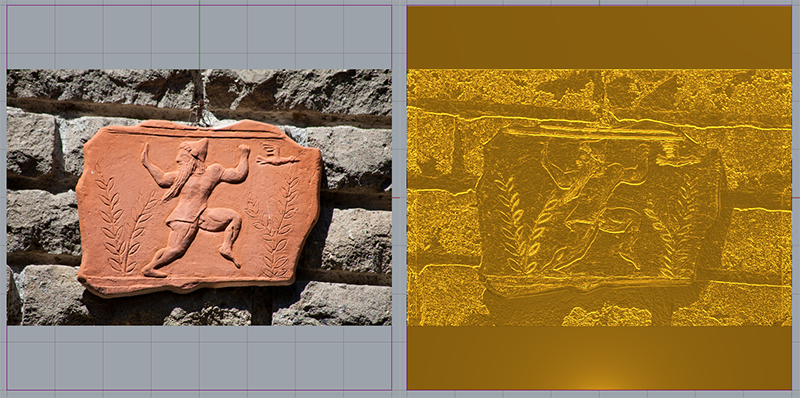
1. Select an image. You can select any image in your computer in jpeg, bmp and png format. We will use the following image:
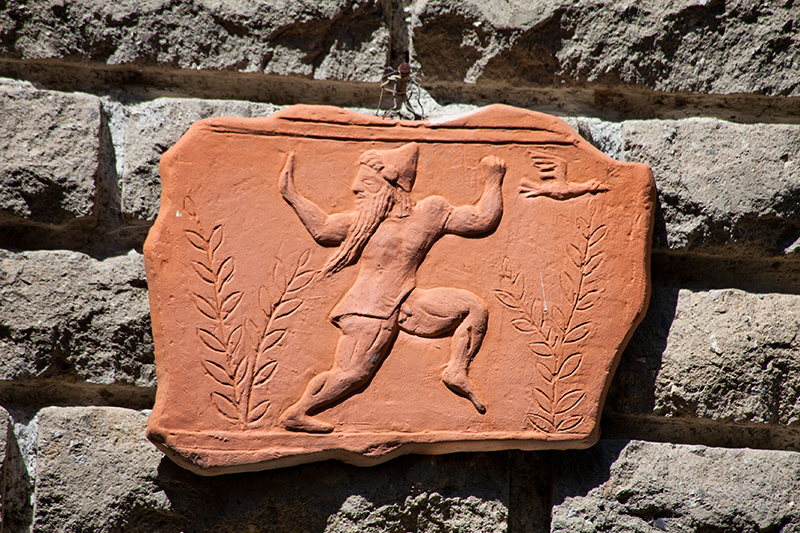
Automatically adapt the size of the image to the project area.
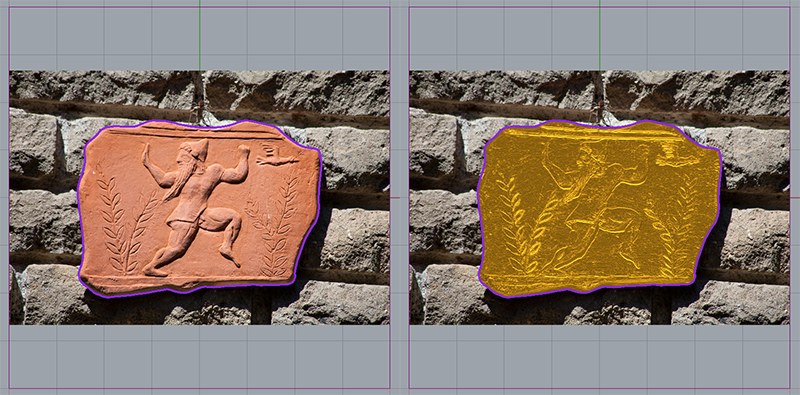
2. You can define a curve to define a region:
Parameters
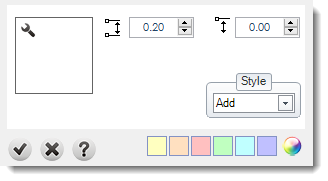
Set the height: You can define this values using the numeric.
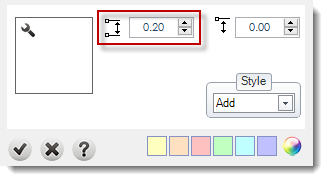
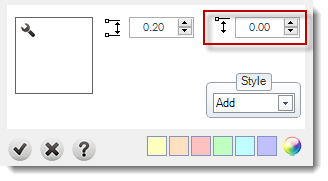
Starting Height: This value sets where (in Z-Axis) current profile will start (you can adjust this parameter graphically by dragging the height gumball with Shift key pressed).
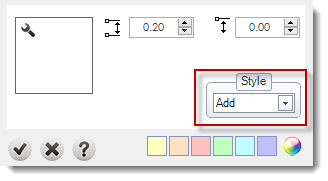
Style: More details in styles page.
Change the picture: You can change the image at any time.
Of course, you can combine with more operations to build your project.