Emboss


 Emboss
Emboss is a software to create reliefs from curves, images, and geometry, Emboss works with a list of operations which can be configured depending of our purposes.
Toolbar |
Emboss › Emboss |
Menu |
Clayoo › Emboss |
Command |
_ClayEmboss |
Getting Started 1.- To start using Emboss first we'll need add an operation, so click over Add operation button:
To add a new operation, now your panel will have an operation like this one:
2.- Next we'll select a curve by clicking Curve button:
And selecting one or more curve from the document, once the curves are selected click enter and the button will looks like this one:
Note: If you add an operation with any curve(s) selected, them will be added automatically to this new operation). 3.- Click on compute button:
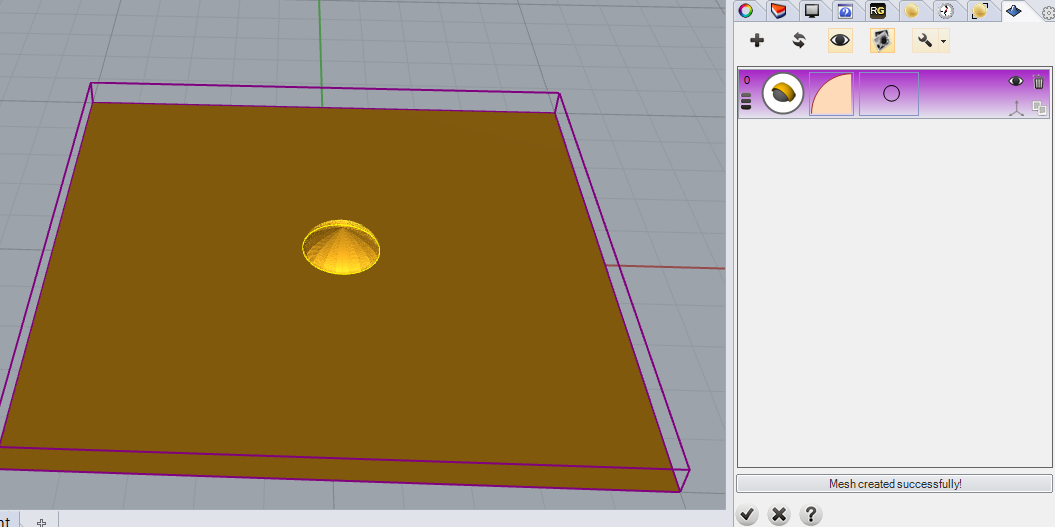
And the geometry will be calculated and shown:
Now you can start playing with Gumballs, Operation Types, Profiles, or any other parameter, once you have set the operation just click again over recompute button:
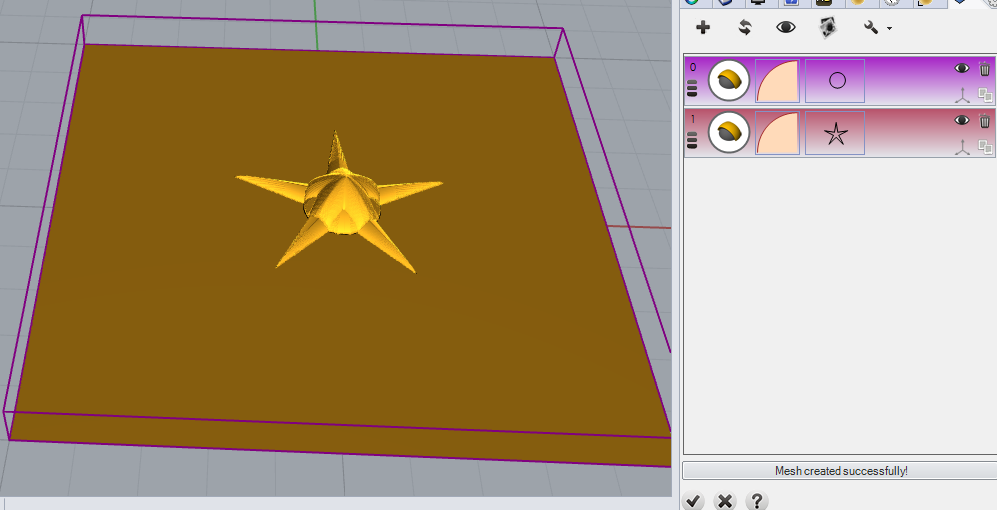
And it will be calculated again. 4.- Try to add more operation by clicking on the following icon:
And selecting an other curve:
|
5.- Now just click over button to add current geometry to the document:
Project information is stored in this mesh, which means that any time you can modify this project or start a new one and save it into a new mesh inside the same document.
To load a project just open Emboss, and choose which project you want to load, next just work with this project