Create a profile


Create a profile
There are two ways to create a profile, using the "Profile Editor" or "Add Profile from curve".
› Profile Editor
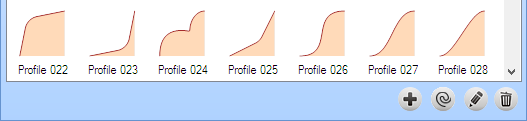
You can add a new profile in the Profile Selector. Click on Add Profile from dialog (+) icon.
Create a control point
Move a control point
Delete a control point
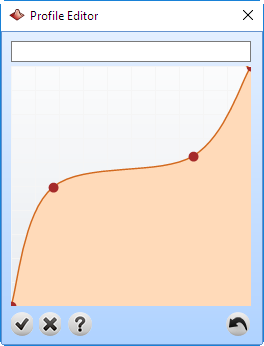
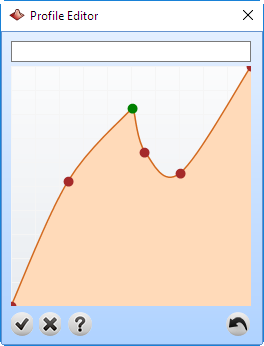
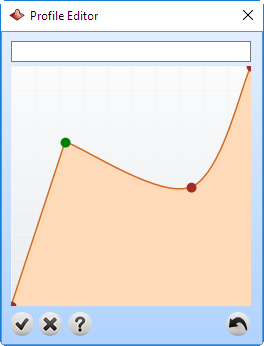
Create a control point |
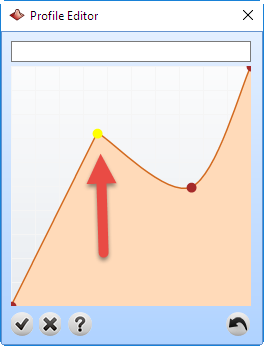
Create a sharp control point |
Move a control point |
Delete a control point |
Once you finish just click over cancel button  to discard the changes, or type a name for this profile and click over accept button
  to save the profile.
› From curve:
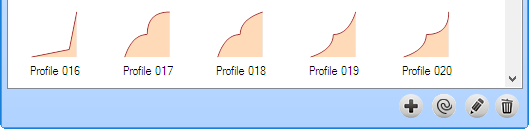
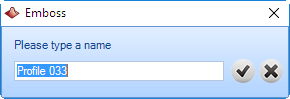
Now click on Add from curve icon  type a name for the new profile and click , the profile will be available from the main selector: