By Profile


Operation: By Profile
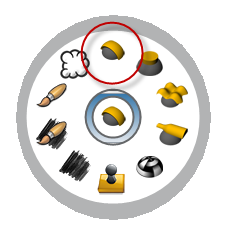
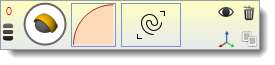
It creates an operation which works with a given profile  and a curve or curves on plane (a rectangle in this case) that will be use to create the geometry.
1. Set the profile and the parameters. Click on Profile button:
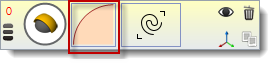
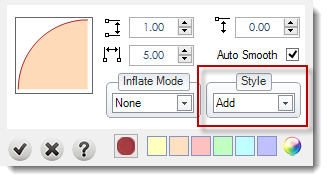
It will appear this settings dialog.
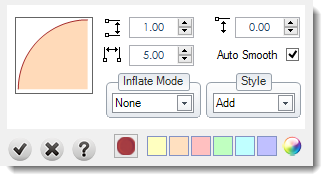
Profile:
You can change the profile curve by clicking over this icon:
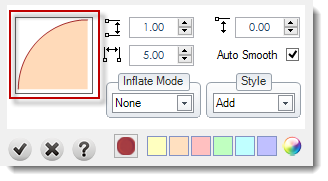
Next just select a new profile curve by double clicking over the new curve profile to set it as current profile:
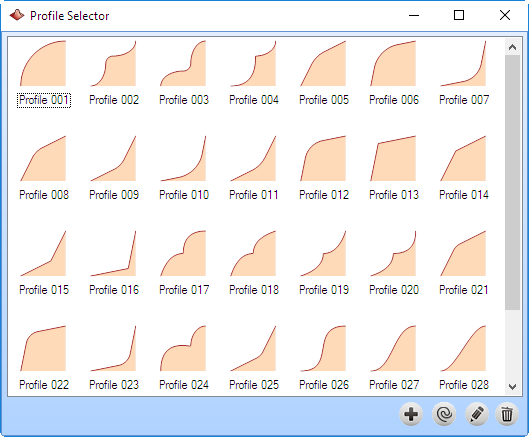
More details about Create a profile, Edit a profile or Delete.
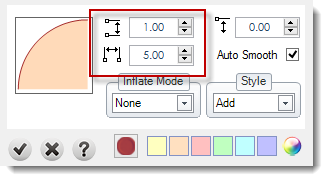
Starting Height: This value sets where (in Z-Axis) current profile will start (you can adjust this parameter graphically by dragging the height gumball with Shift key pressed).
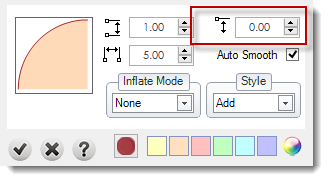
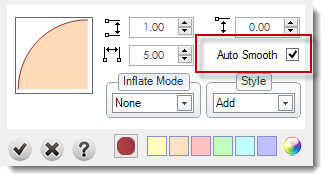
Auto Smooth: Applies a smooth to the geometry.
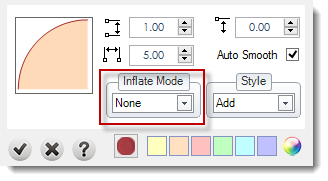
Inflate Mode: This option allow us to calculate the profile exactly to fit in the center of the curve which is applied. There are three options: None, Inflate or Inflate by curve. By curve applies in each curve individually. Inflate calculate a profile for all the curves together.
Style: More details in styles page.