Unify Normals


 Unify Normals
This tool allow us to unite the normal directions of the faces of an entire object.
Toolbar |
SubD › Edition › Unify Normals |
Menu |
Clayoo › Edition › Unify Normals |
Command |
_ClayUnifyNormals |
When we have an object with some faces inverted, we must unify them. Or all faces are with the correct normal direction, or all are using the opposite.
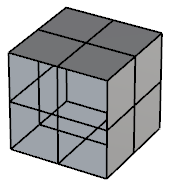
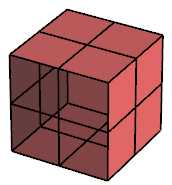
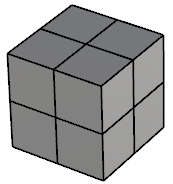
Normals inverted |
Current selection |
Result |
It may happen that the result is not what we expected, and all normals turns inverted.
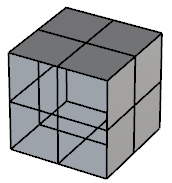
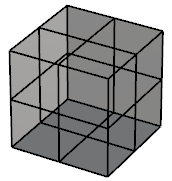
Normals inverted |
Current selection |
Result |
In this case, we should run  _ClayFlip command to invert again all faces.
1. Click  Enter button on your keyboard or
 mouse right-click to validate the command.
2. Click  Escape button on your keyboard to cancel the command.
3. Click  Function key 1 button to open the help information of the command, in case you need more detailed information about the tool being used.