Match


 Match
Match
This tool allow us to join edge selections with another set of edges or curves.
Toolbar |
SubD › Edition › Match |
Menu |
Clayoo › Edition › Match |
Command |
_ClayMatch |
When selection is a set of edges acting as first and second selection.
› Then Average = Yes
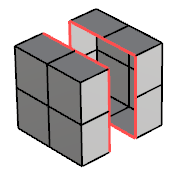
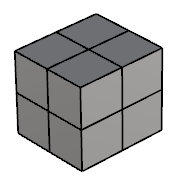
Current selection |
Result |
If the option weld is not active, both selection will match, but keeping two loops of naked edges (keeping two different objects).
› If Weld = No
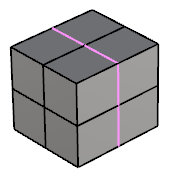
Current selection |
Result |
When first selection is a set of edges and also is the second, the option Average will be Off and first selection will match the second one.
› Then Average = No
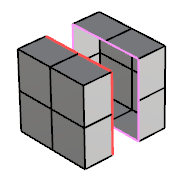
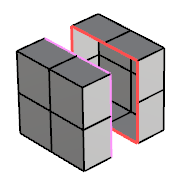
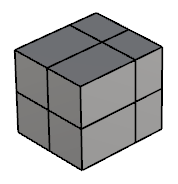
First selection |
Second selection |
Result |
› When first selection is a set of edges and second is a curve:
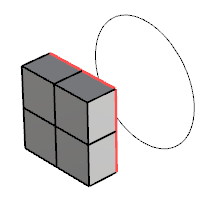
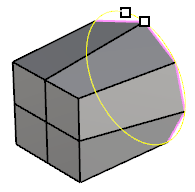
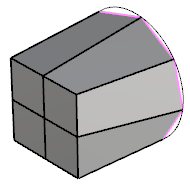
First selection |
Curve alignment |
Result |
1. Click  Enter button on your keyboard or
 mouse right-click to validate the command.
2. Click  Escape button on your keyboard to cancel the command.
3. Click  Function key 1 button to open the help information of the command, in case you need more detailed information about the tool being used.