From 2 Curves


 From 2 Curves
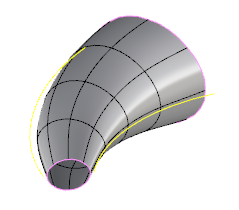
This tool allow us to generate a surface between two curves and give it a dynamic height. It works only with opened curves.
Toolbar |
SubD › Creation › From 2 Curves |
Menu |
Clayoo › Creation › From 2 Curves |
Command |
_ClayFrom2Curves |
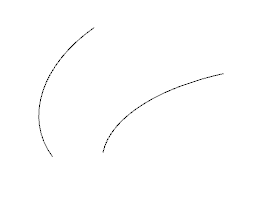
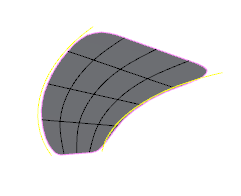
Current curves |
Result |
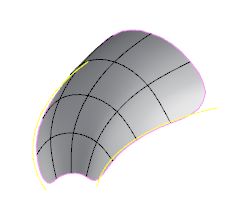
Change the Distance value to dynamically inflate the geometry between both curves:
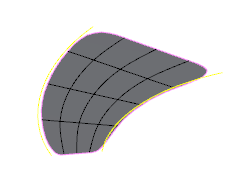
Distance = 0 |
Distance = 4 |
Active the Symmetry option to create the symmetrical part:
Symmetry = Off |
Symmetry = On |
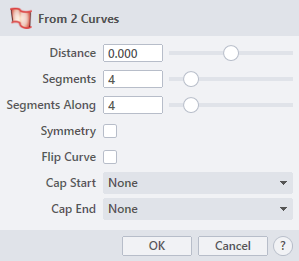
› Distance
Sets the dimension from the base curve to the end of the geometry created.
› Segments
Sets the number of divisions along the curve.
› Segments Along
Sets the number of divisions along the central axis.
› Symmetry
When it is active, creates the mirrored object using the curve as symmetry axis.
› Flip Curve
When it is active, flips one of the curves selected. Highly useful in case the directions between them are opposite.
› Cap Start
Sets the property of the start cap. The drop-down list allow to choose between:
› Cap End
Sets the property of the end cap. The drop-down list allow to choose between:
If you want to use Closed Curves, use the command _ClayLoft instead.
1. Click  button to validate the command and apply the new geometry on the scene.
2. Click  button to cancel the command, and refuse to apply geometry on the scene.
3. Click  button to open the help information of the command, in case you need more detailed information about the tool being used.