Divide


 Divide
This tool allow us to generate new edges or loops of edges to refine the topology of our geometry.
Toolbar |
SubD › Edition › Divide |
Menu |
Clayoo › Edition › Divide |
Command |
_ClayDivide |
We have different ways to divide, depending on the current selection and selection mode:
› When we are in  (point selection mode), we will click manually in points or edges to create our custom edge loop.
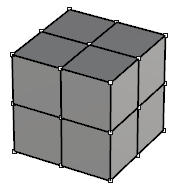
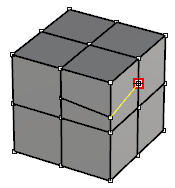
› When we are in  (edge selection mode) and current selection is not a ring, we will divide our edges selected by half, and create a point in it.
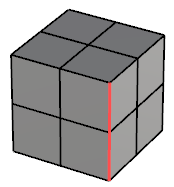
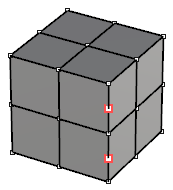
› When we are in (edge selection mode) and current selection is a ring, we will create the loop between the selection (move along selected edges to pick the desired point).
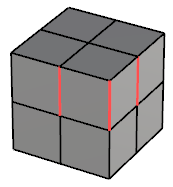
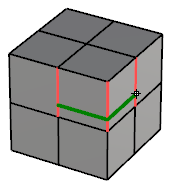
› When we are in  (face selection mode) and selection does not follow any pattern, we will divide the current face in both directions.
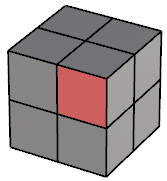
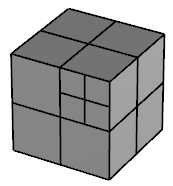
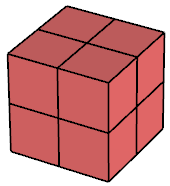
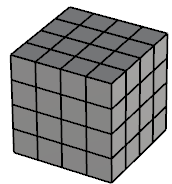
› When we are in (face selection mode) and current selection follows a direction, we will divide the faces by half on the direction of the selection.
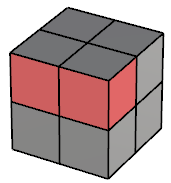
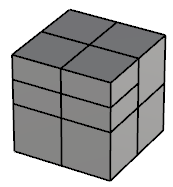
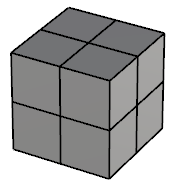
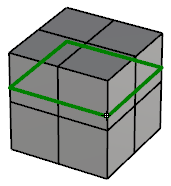
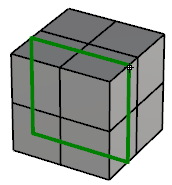
› When we are in  (edge, face or object selection mode) and there is no previous selection, we will active the smart way to divide. Full loops will be automatically calculated depending on the geometry. Follow the edges to pick the desired point to create the loop from.
1. Click  Escape button on your keyboard to cancel the command.
2. Click  Function key 1 button to open the help information of the command, in case you need more detailed information about the tool being used.