Project Settings


Project Settings
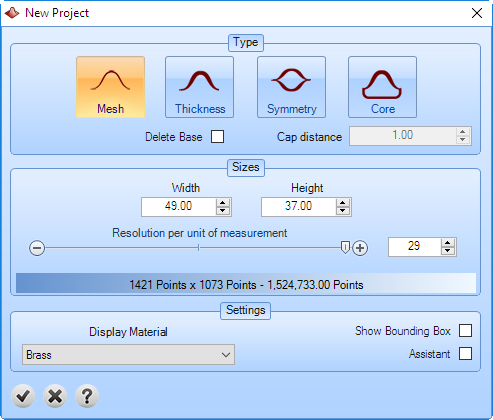
Type: defines the type of the project.
Mesh: the result is an opened mesh (without thickness).
Thickness: the result is a closed mesh (with a given thickness).
Symmetry: the result at the top is mirrored to the bottom.
Core: the result is a flat cap (with a given thickness).
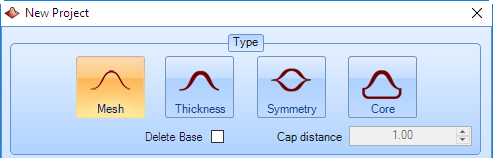
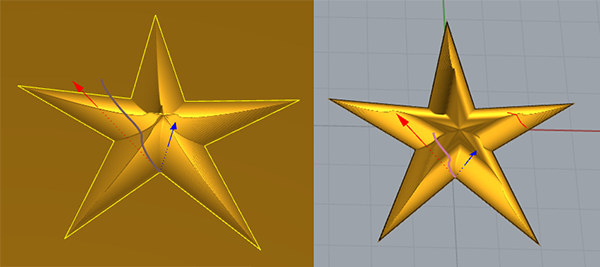
Delete Base: this option allows to create an outer trimmed shape to cut the external part of the object.
Cap Distance: this value is used in thickness cap type, core and cavity core cap type.
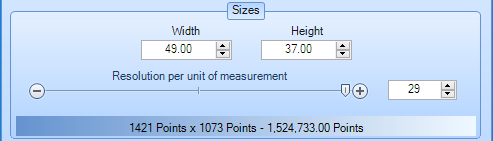
Sizes: this option allows to define the size of the project and the resolution. As higher resolution, you will have more detail, but the computation will be slower. Any time you can increase or decrease the resolution.
Settings:
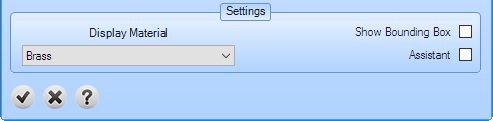
Display material: Material to display the preview geometry.
Show Bounding Box: Show a box of the project sizes.
Assistant: It is an assistant to guide the users.