Licensing

Licensing
It is necessary to activate the software, even the evaluation version.
How to activate the license?
When you execute any Clayoo command, it will show the log in screen:
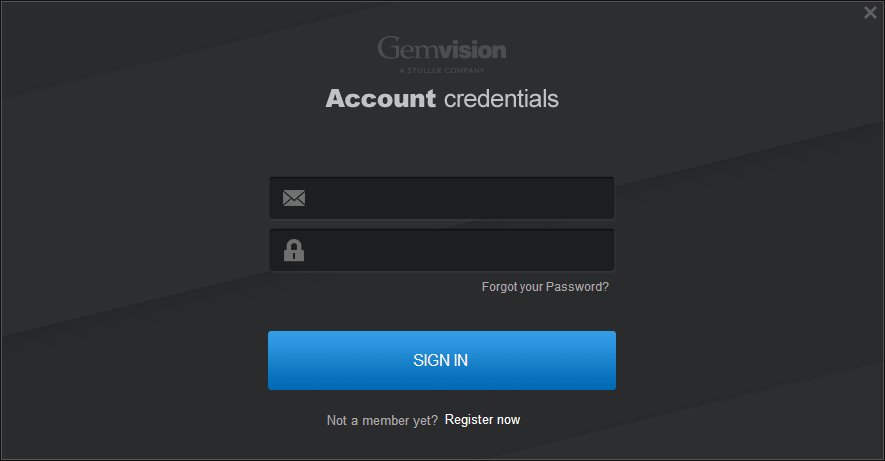
There are three licenses types:
Step 1
Commercial License
I have my Product Key
When you purchase the Clayoo license, you received a Product Key. Register the product in http://www.tdmsolutions.com/register/
and the License will be validated at Login.
Step 2
Evaluation Version
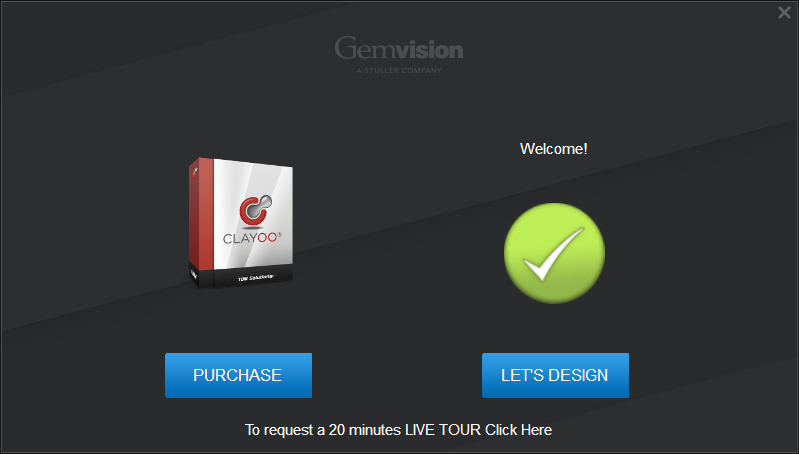
In this case, after having logged, appears this window will be displayed to continue :
In this step there is the option to Purchase the Clayoo or start the trial version.
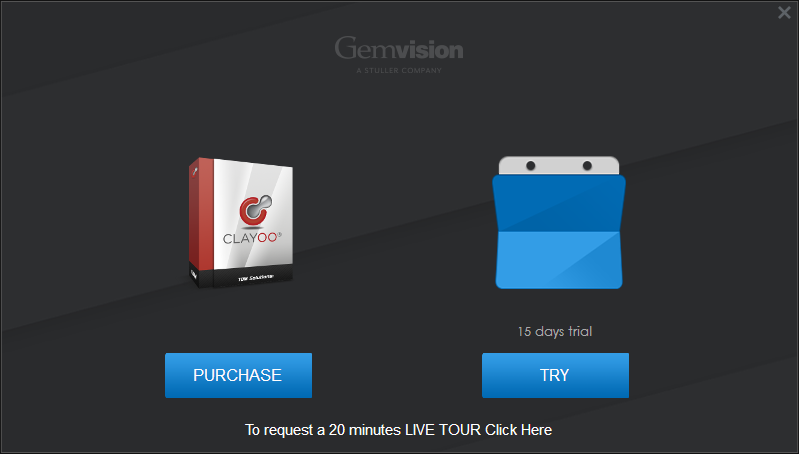
This is the evaluation version. It is limited in time and therefore is not effective if reinstalled after the trial period expires.
Zoo
Zoo is the Rhino license manager. It is great if you want to use your license/licenses as a floating licenses. More details about Zoo: http://www.tdmsolutions.com/zoo/
What about if I want to change my license in a new computer?
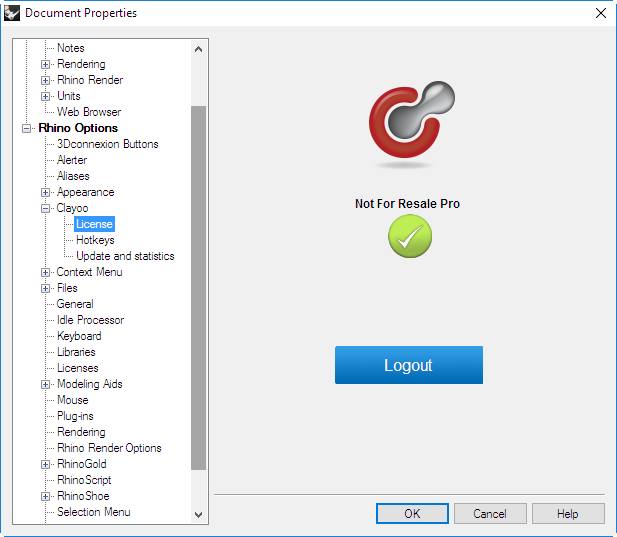
It is very simple! Just go to Options:
Clayoo > License, and click on "Logout" button. Now you can use it in another computer.
Any questions Please contact us.